FreeGrow your career· 3 min
Log a voyage from the vessel registry
Your sea time is how agencies rank you. Add each voyage once.
- 1
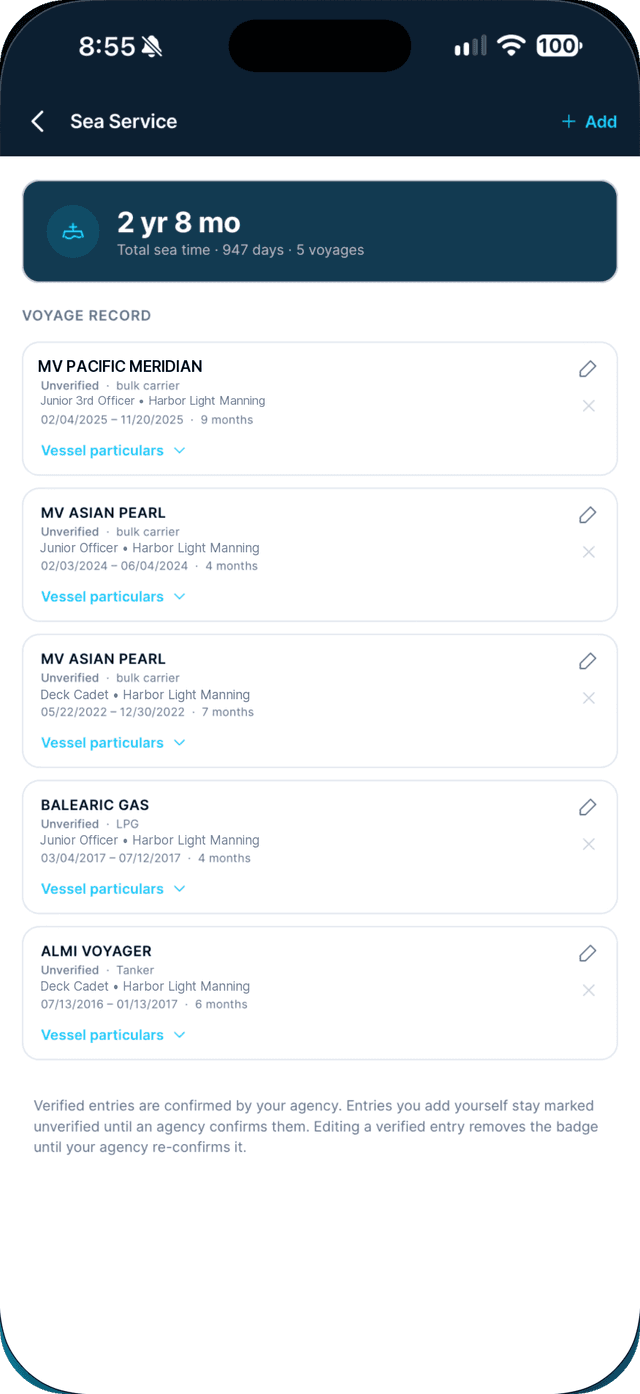
Open the Profile tab, tap Sea Service, then Add.
- 2
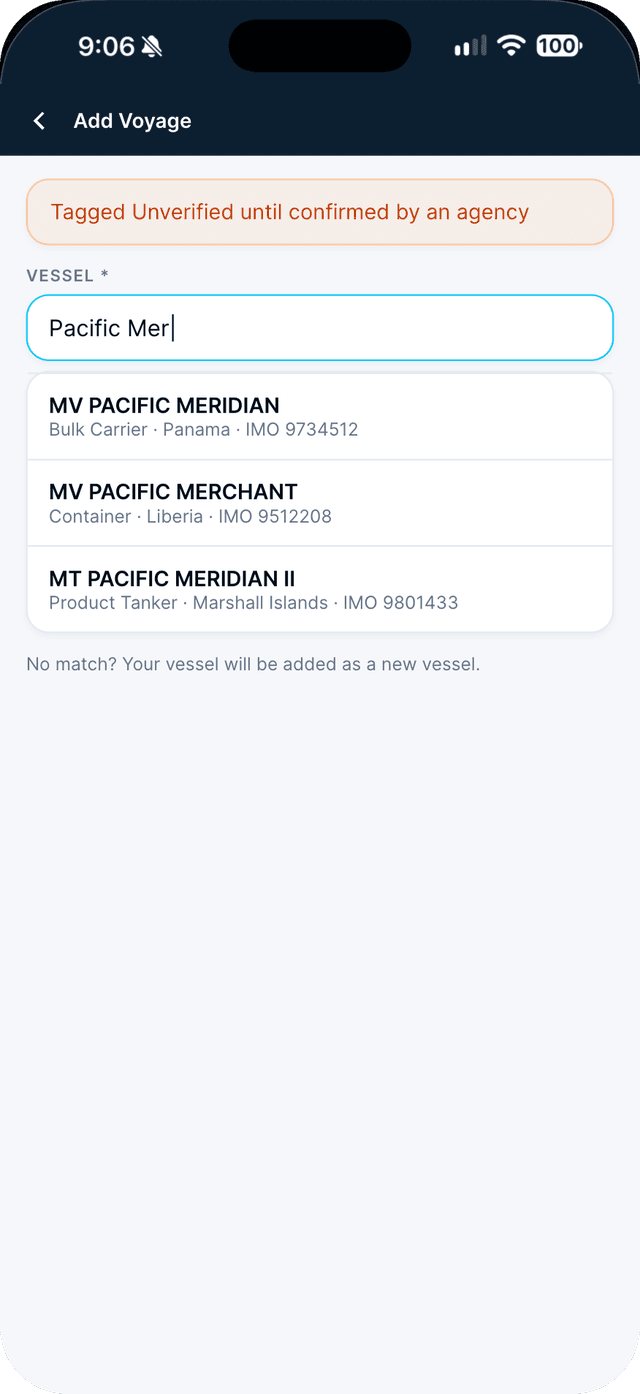
Search for the vessel by name.
Pick a match and its type, flag, tonnage and IMO fill in. No match? It is added as a new vessel.
- 3
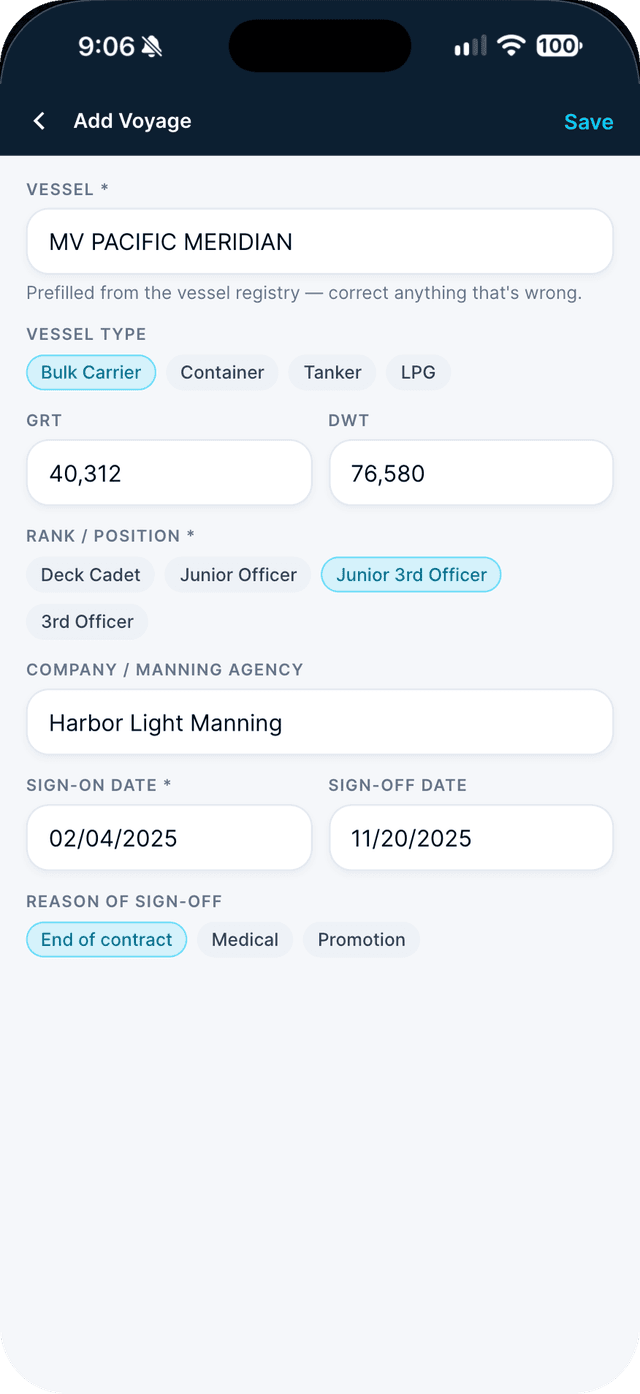
Choose your rank, enter your dates, and save.
Leave sign-off empty if you are still on board. Add the company and reason for sign-off if you know them.
Swipe to see every step →
Tip: Voyages you add stay Unverified until your agency confirms them.
More guides
Part of Grow your career