FreeKnow where you stand· 2 min
Accept an offer and finish your pre-deployment tasks
Answer a job offer, then work through the tasks your agency sends before you join.
- 1
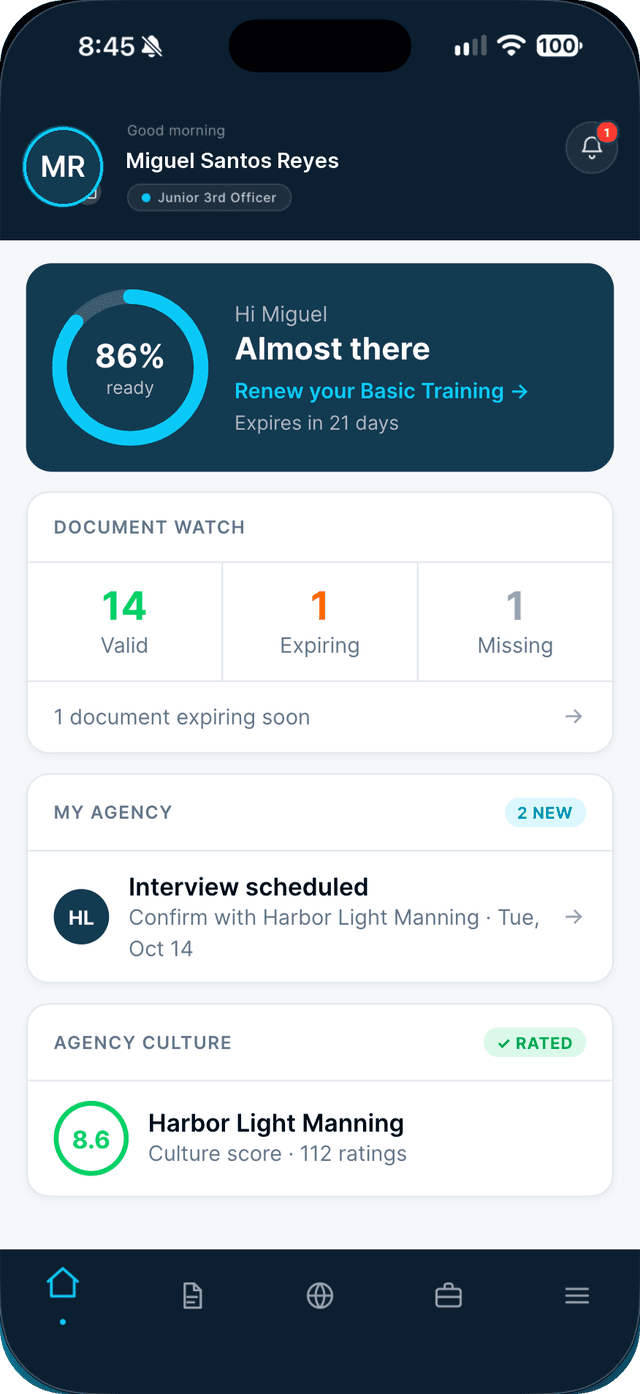
On Home, tap "You have a job offer" on your agency card.
The offer opens in your conversation with the agency.
- 2
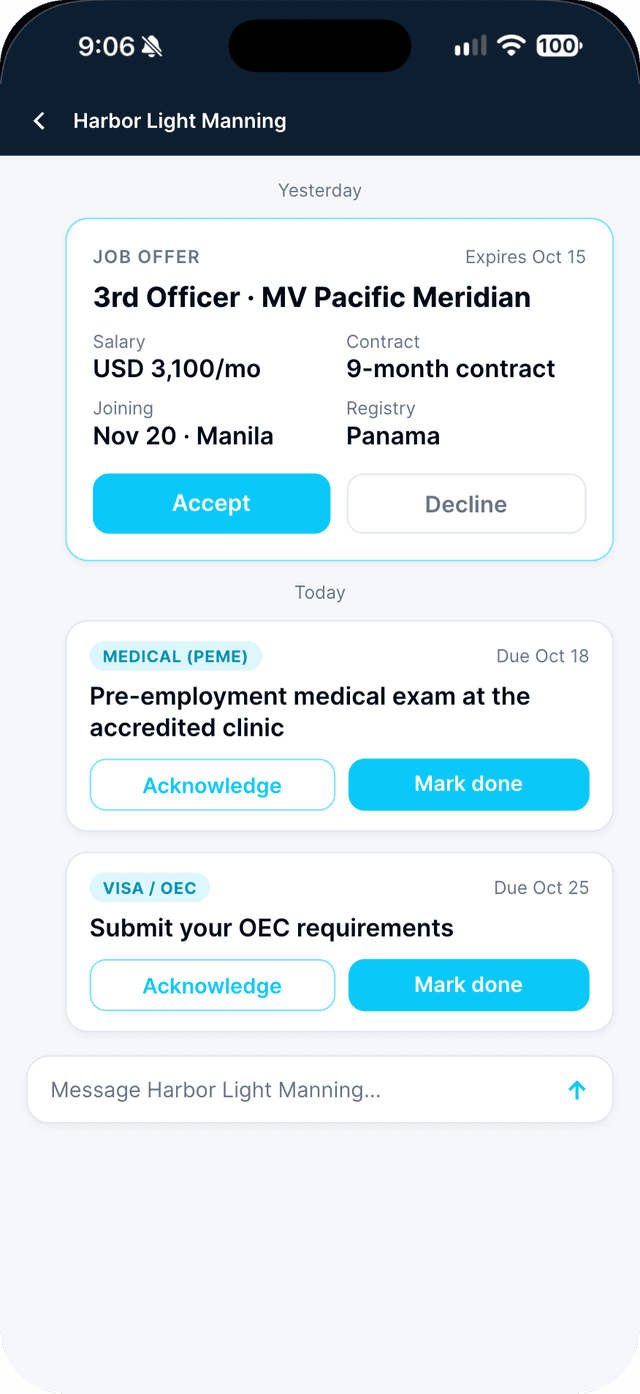
Check the offer, then tap Accept or Decline.
Salary, joining date and port, contract length and registry are all on the card.
- 3
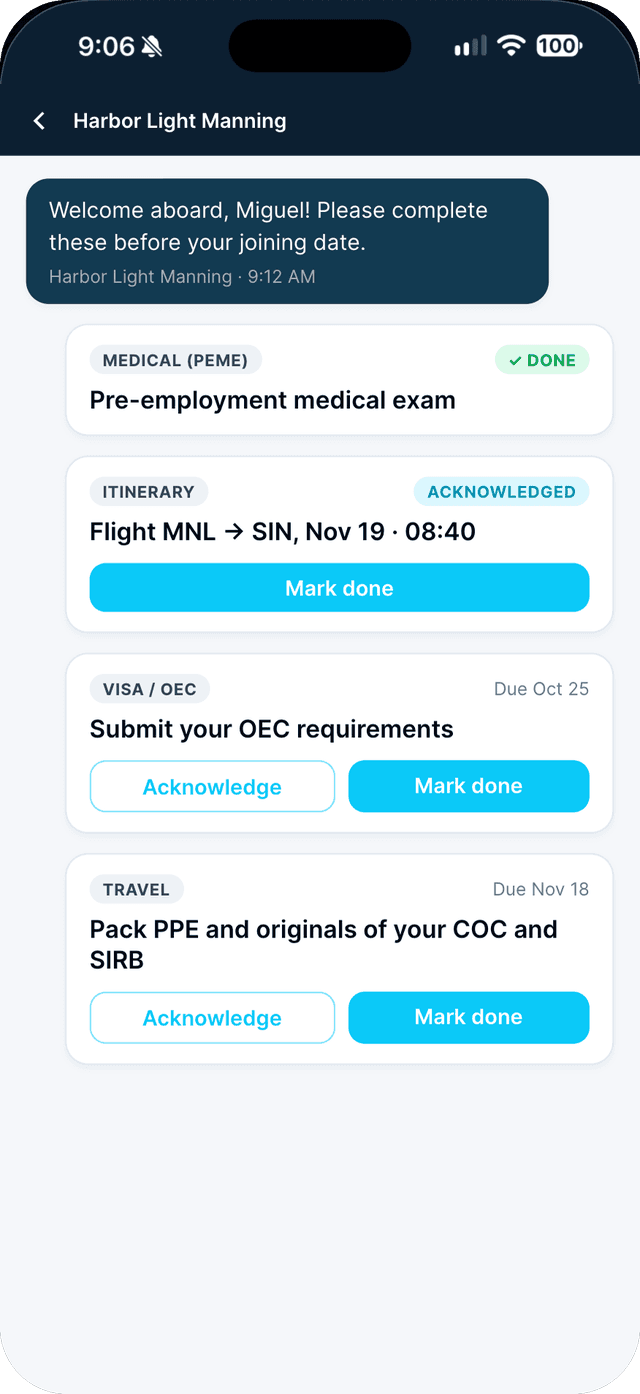
Work through your task cards.
PEME, itinerary, visa and OEC, travel: tap Acknowledge when you have seen a task and Mark done when it is finished.
Swipe to see every step →
More guides
Part of Know where you stand