FreeKnow where you stand· 1 min
Read your interview briefing
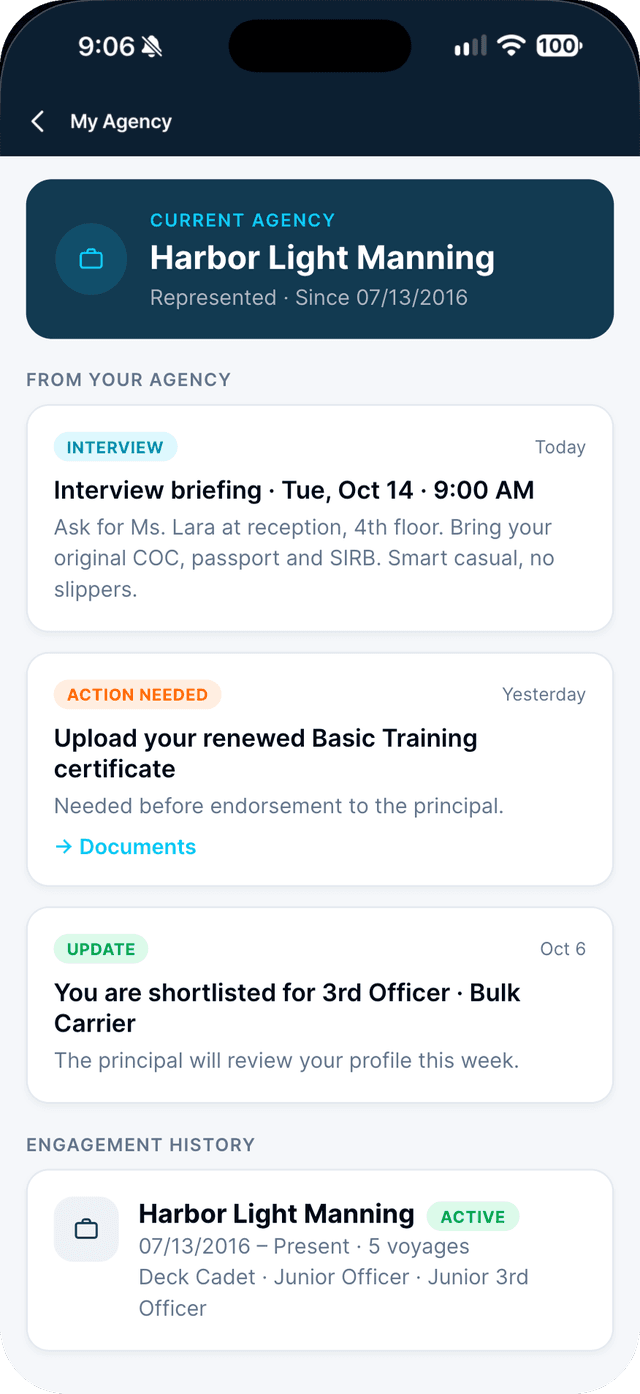
When your agency books an interview, the briefing arrives in your agency inbox — who to ask for, what to bring, what to wear.
- 1
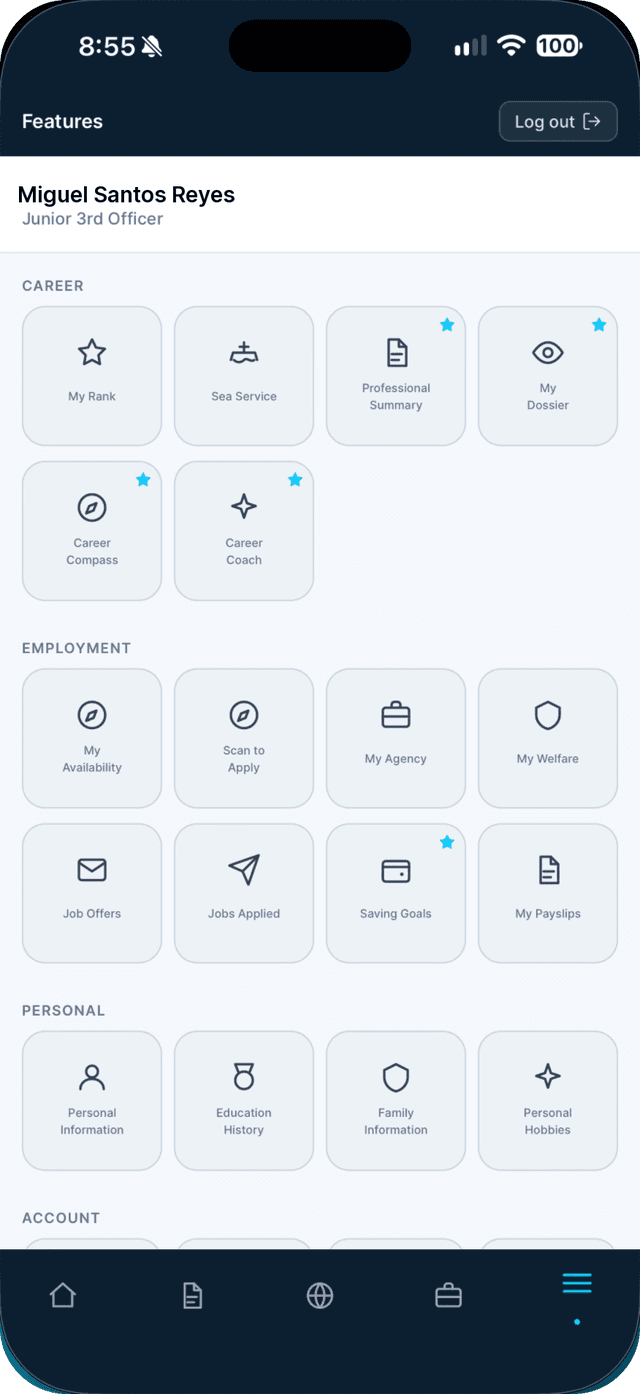
Open the Profile tab and tap My Agency.
A dot shows when there are new messages. You can also tap the bell on Home.
- 2
Under From your agency, tap the message to read it in full.
- 3
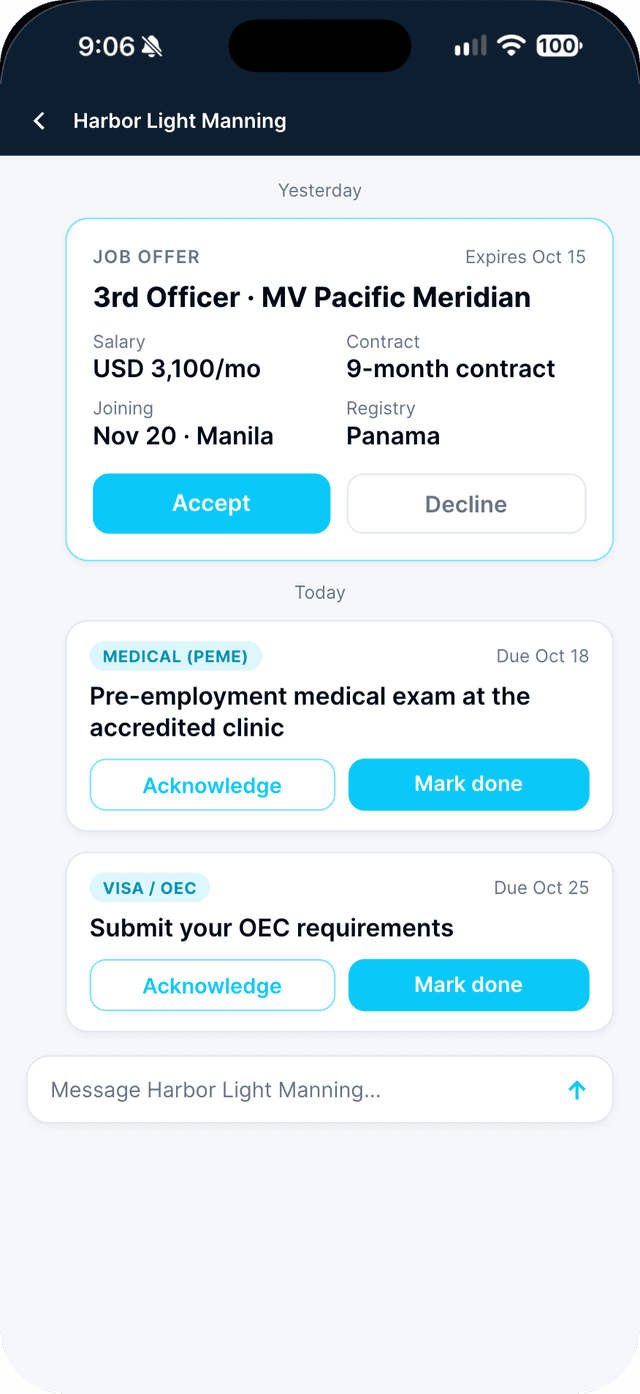
Reply from the conversation if you need to confirm anything.
Swipe to see every step →
Tip: Seafarr does not send push alerts yet. Open the app to check for new messages.
More guides
Part of Know where you stand