Payslips
FreeEarnings, deductions and net pay for every period, with the official PDF — sent straight from your agency's payroll.
At sea: Payslips appear when your agency is connected to Seafarr.
Payslips from your agency, savings goals, and the family details that matter in an emergency.
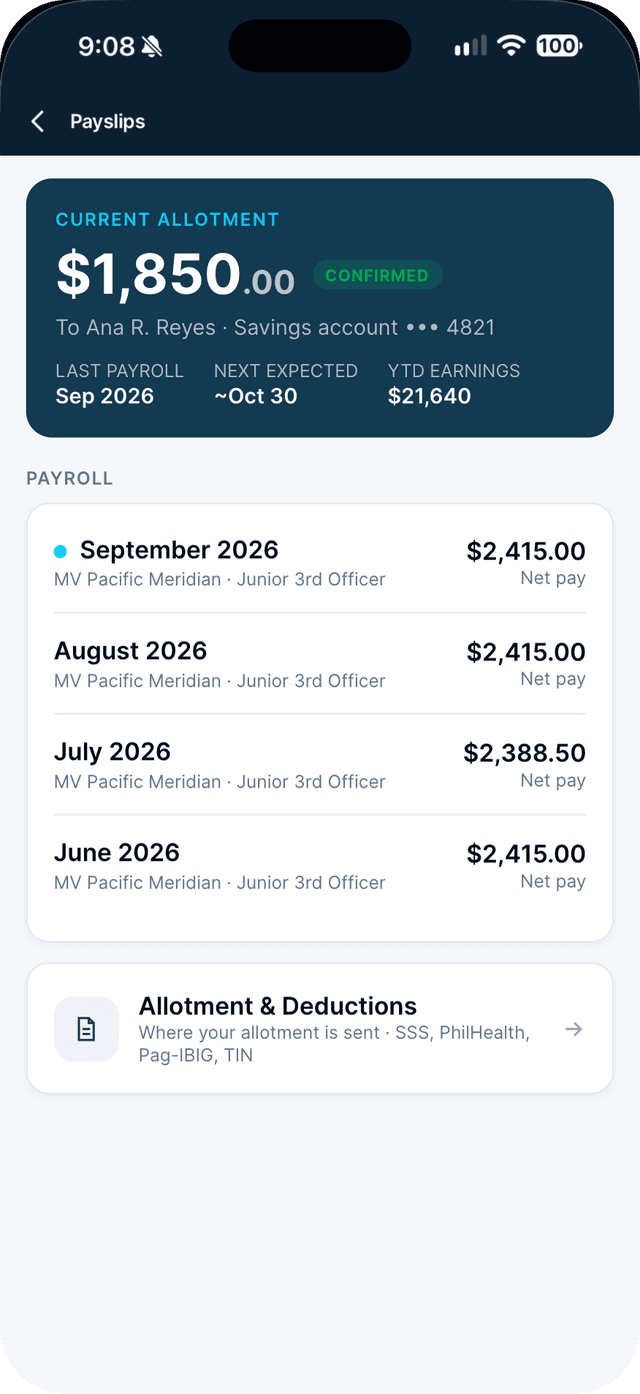
Earnings, deductions and net pay for every period, with the official PDF — sent straight from your agency's payroll.
At sea: Payslips appear when your agency is connected to Seafarr.
Where your allotment goes, with your account number masked and protected.
Set a target for a house, education or retirement, with a date, and update your progress as you save.
How to: Set a savings goal →Add your family and choose your emergency contact, as MLC 2006 requires.
At sea: Your emergency contact stays locked while you are deployed, so it is always there.
How to: Add your family and next of kin →Pro features are free for your first 30 days. See everything Pro adds →