FreeMoney and home· 2 min
Add your family and next of kin
Your emergency contact is required under MLC 2006 and stays locked while you are deployed.
- 1
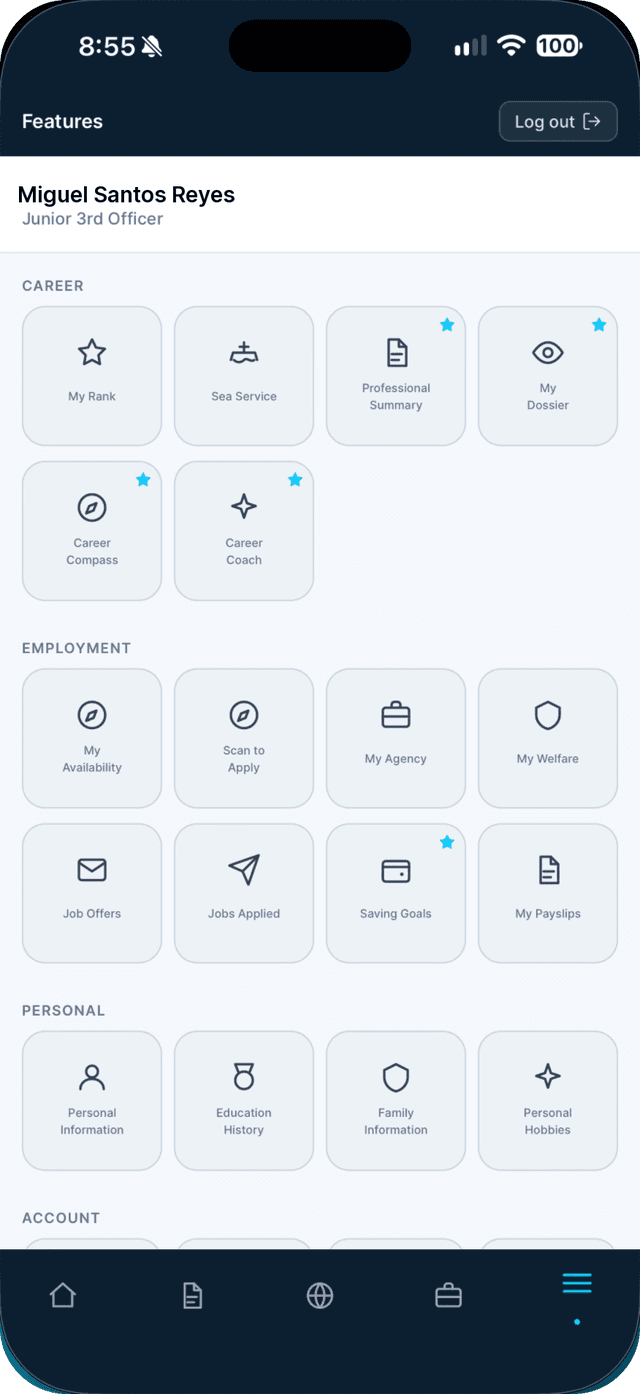
Open the Profile tab and tap Family Information.
- 2
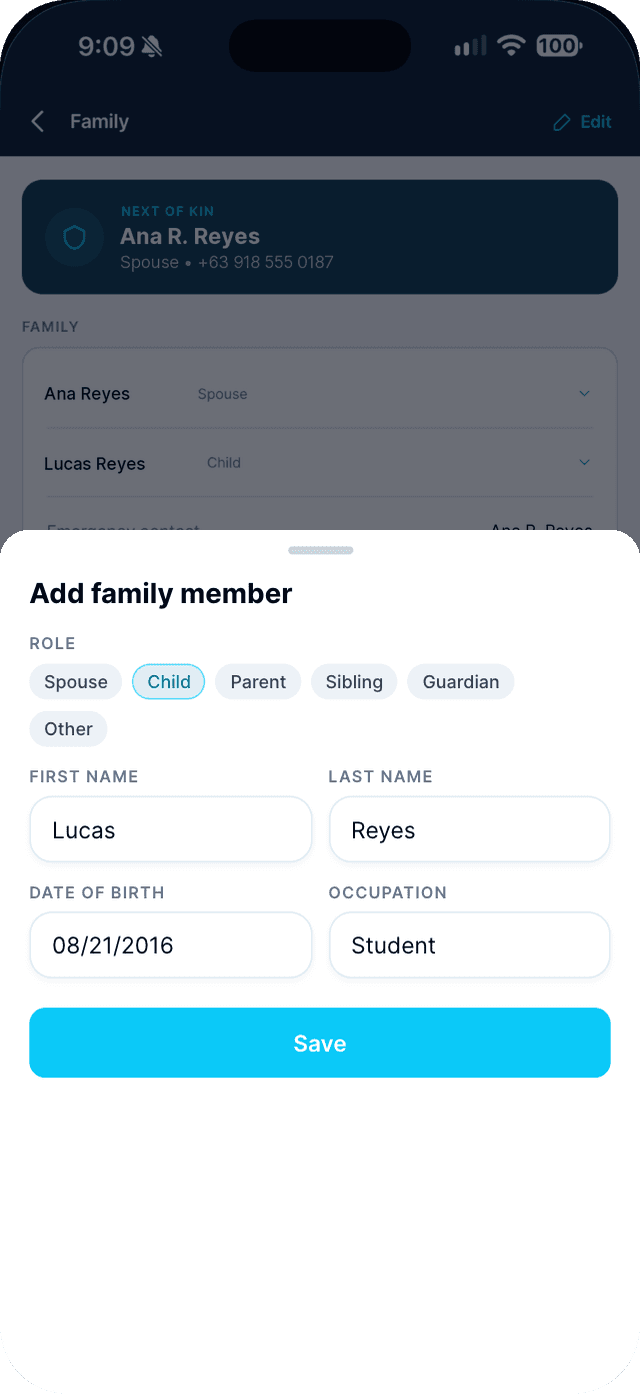
Tap Edit, then Add family member.
Choose their role and add their name, birthday and occupation.
- 3
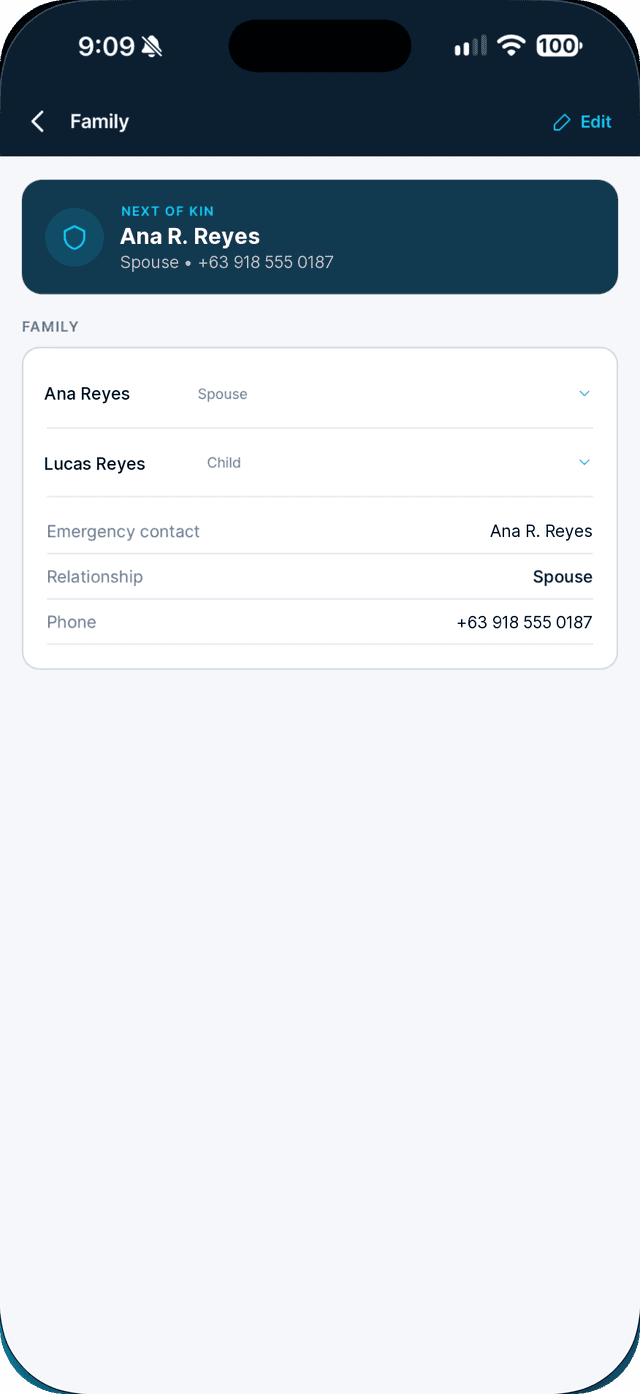
Select who to contact in an emergency, then tap Save.
Swipe to see every step →
More guides
Part of Money and home