Build your profile in 7 steps
The profile wizard opens on your first visit to Home. Each step saves when you tap Next, so you can stop and pick up where you left off on any device.
- 1
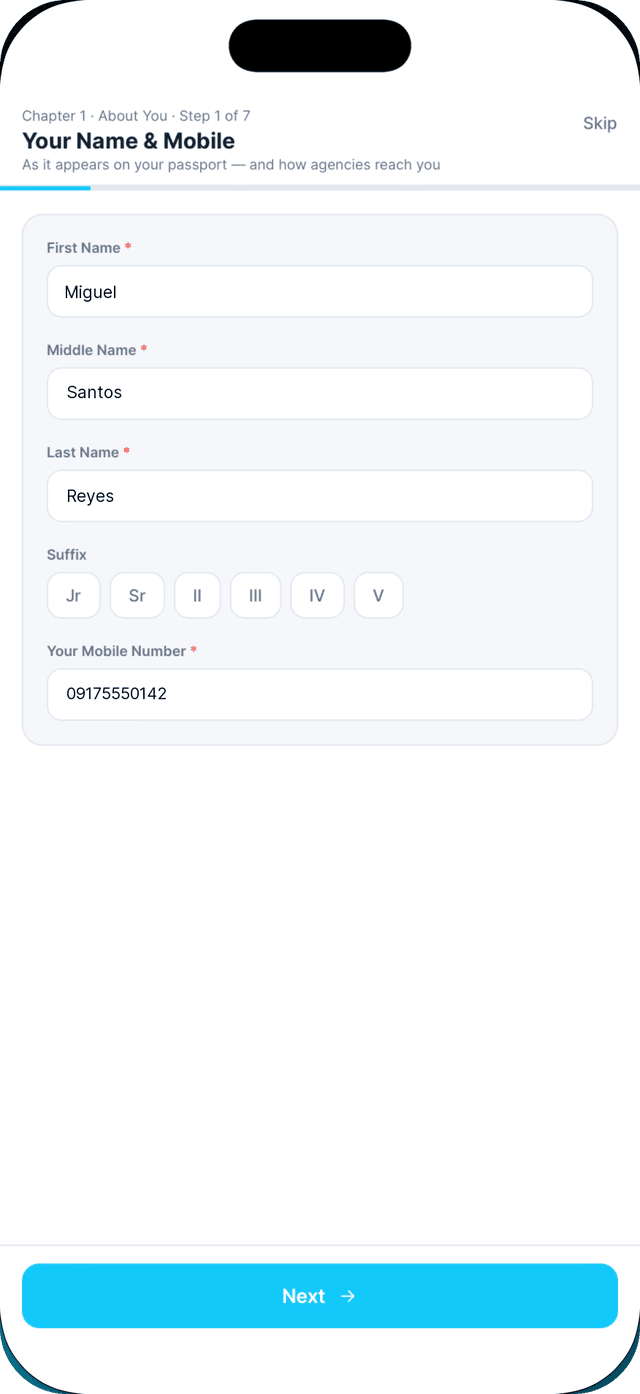
Your name and mobile.
As it appears on your passport. Enter NA if you have no middle name. Pro members can tap Scan your passport to fill this in.
- 2
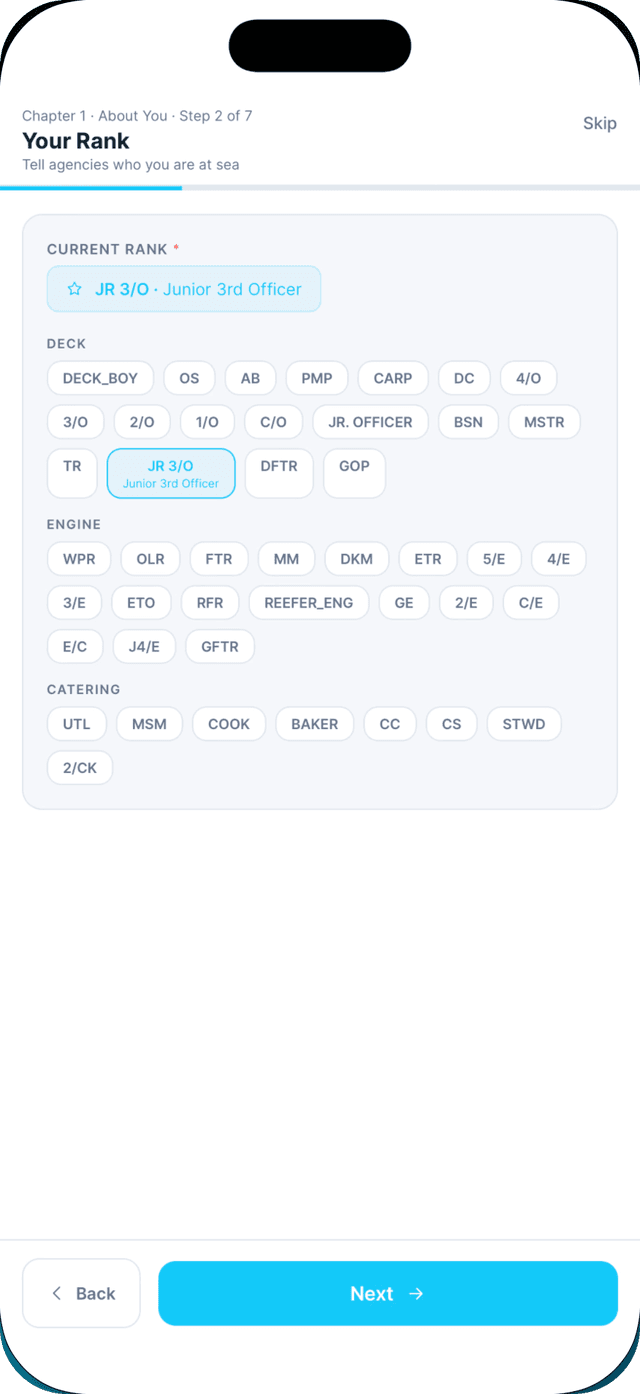
Your rank.
Pick it from the list, grouped by department. Your rank decides which documents you need.
- 3
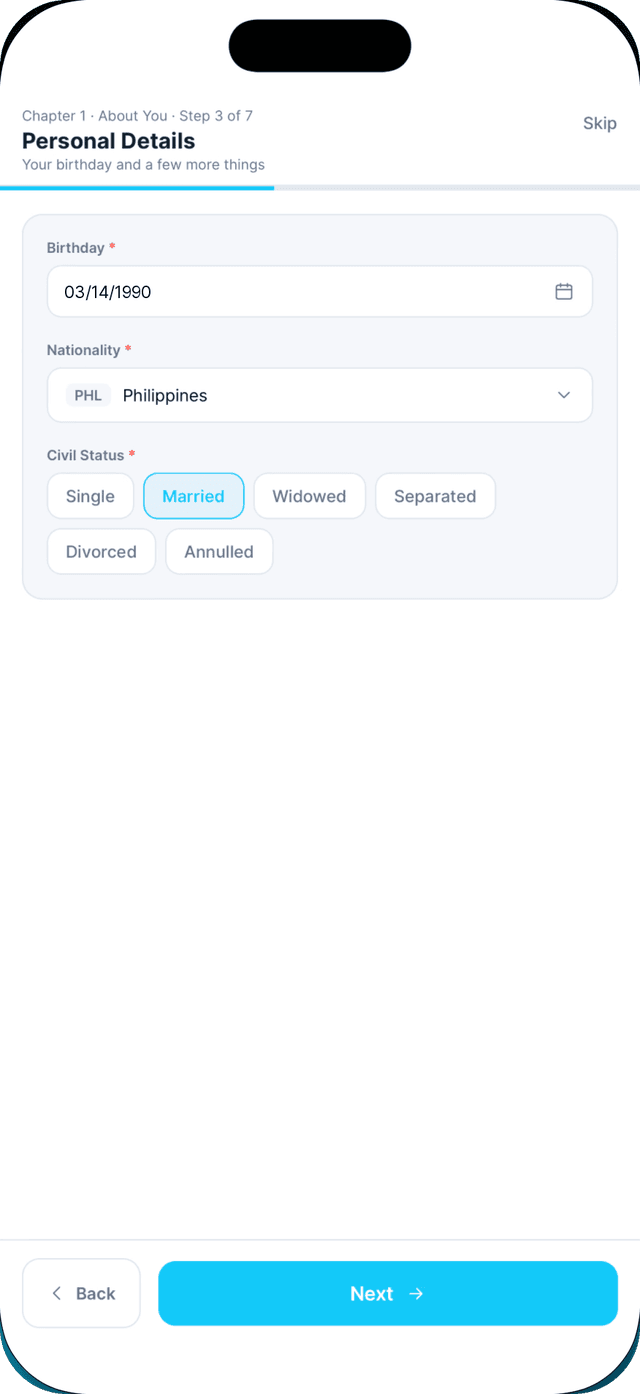
Personal details.
Birthday, nationality and civil status.
- 4
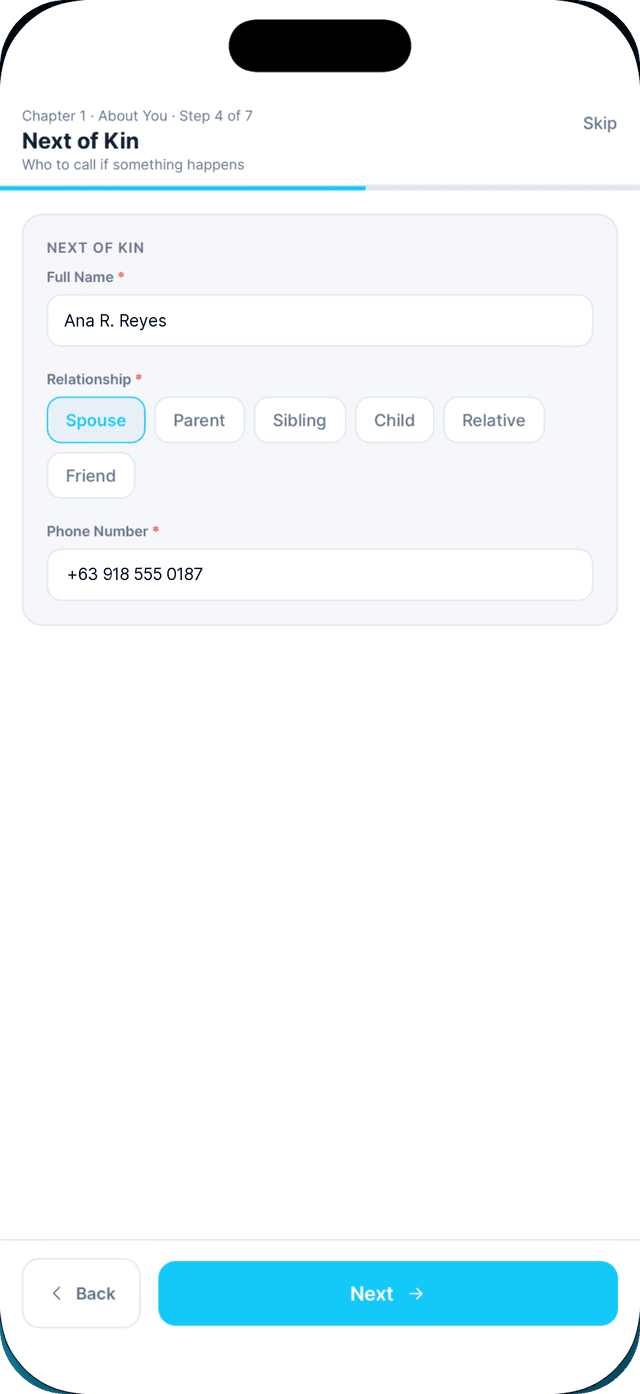
Next of kin.
Who to call if something happens.
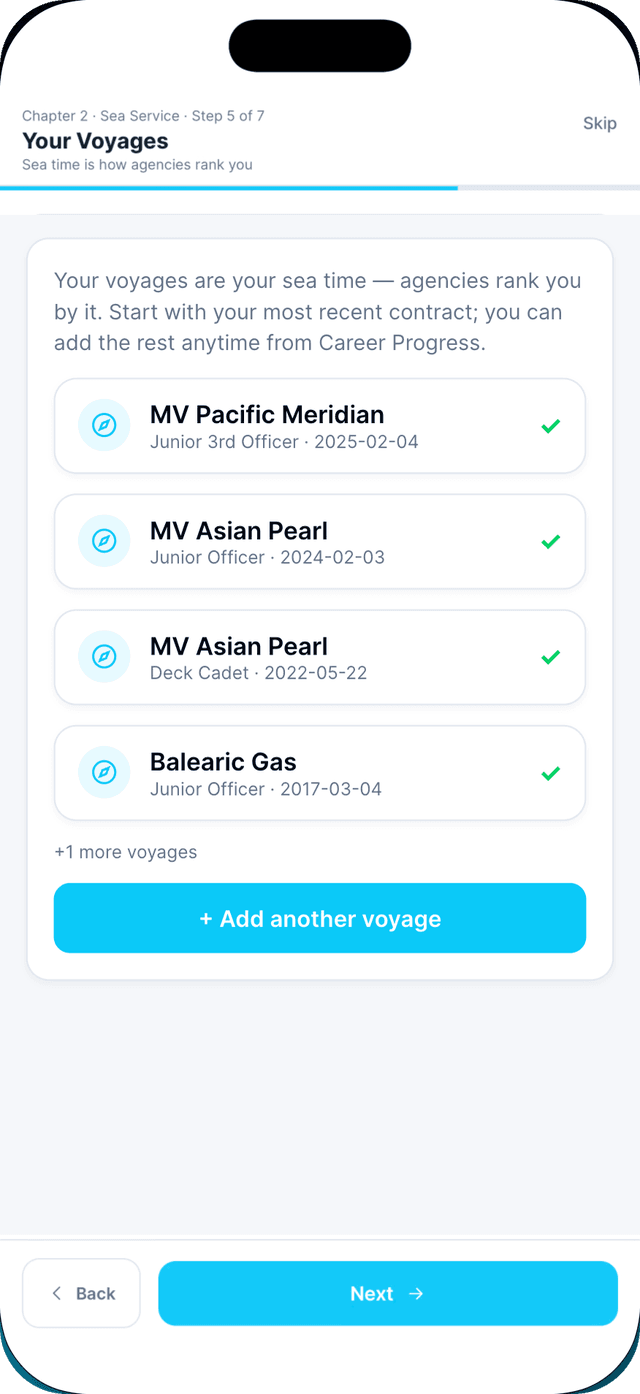
- 5
Your voyages.
Tap Add another voyage, or I'm new to seafaring if you have none yet.
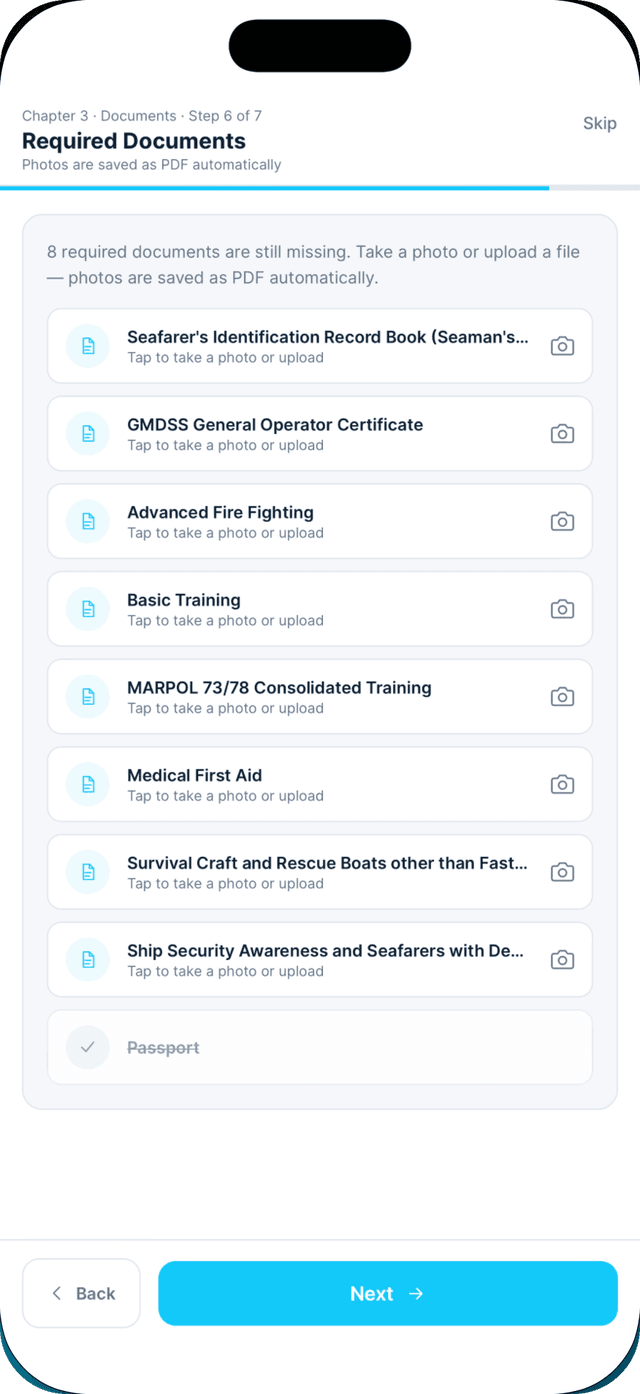
- 6
Required documents.
Tap a missing document to take a photo or upload a PDF.
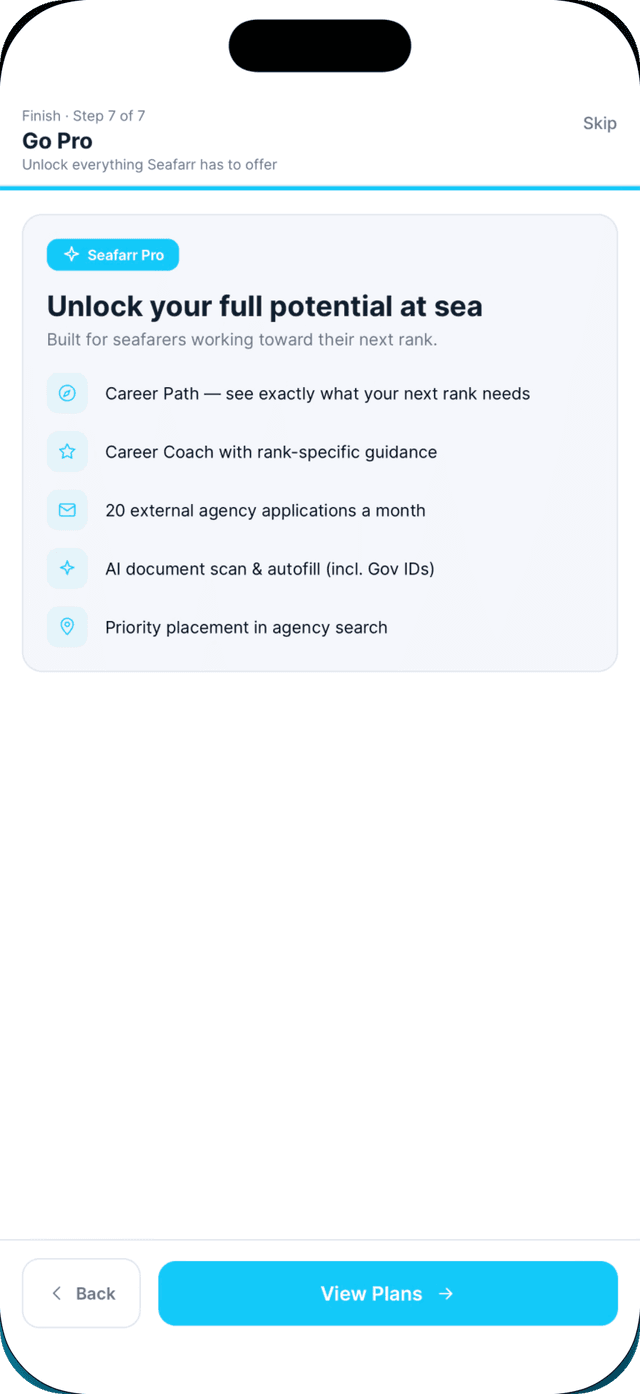
- 7
Review what Pro adds, then start using the app.
Swipe to see every step →
Tip: Closed the wizard early? Tap Continue on the Build your profile card on Home.