FreeGetting started· 2 min
Create your account and claim 30 days of Pro
Sign up with Google, Apple or your email, accept the terms, and unlock Seafarr Pro free for 30 days. No card needed.
- 1
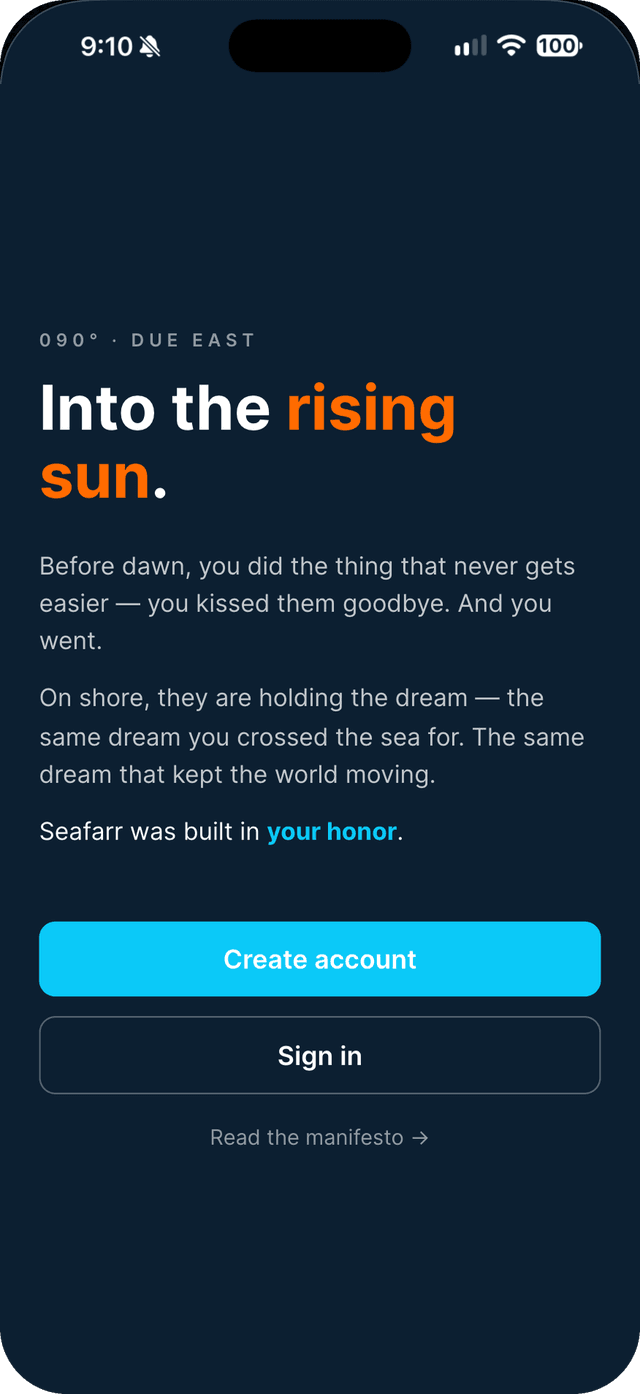
Open Seafarr and tap Create account.
- 2
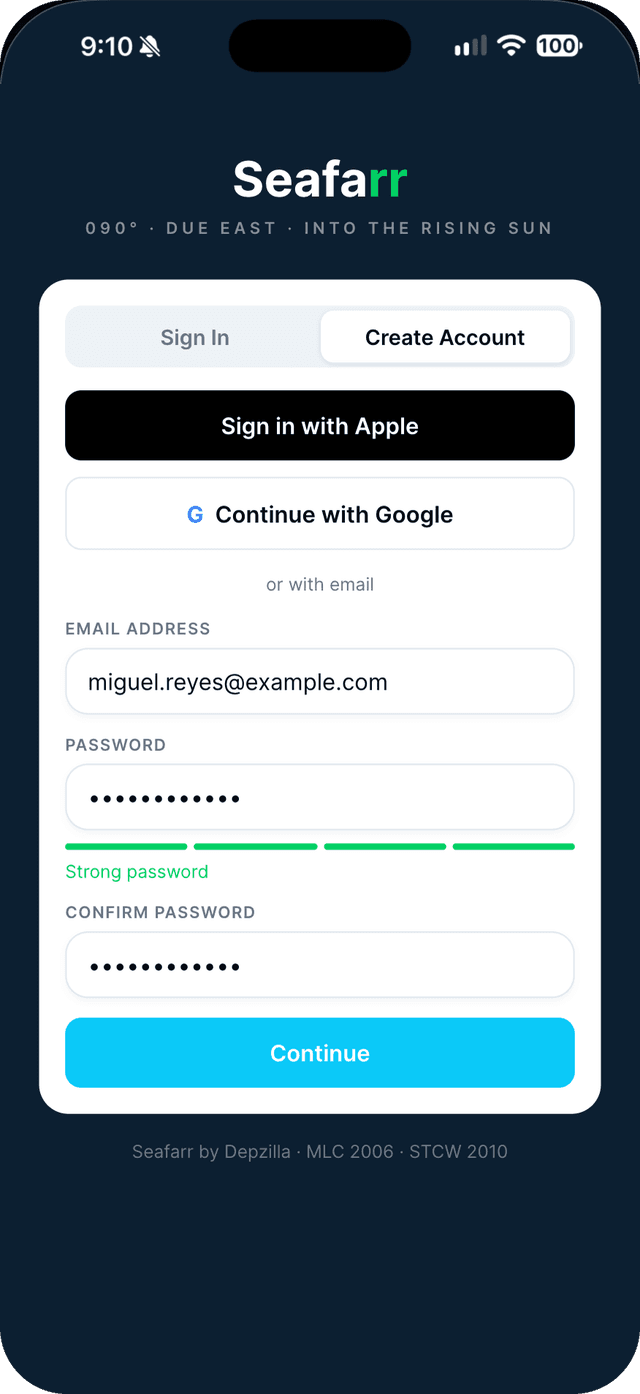
Choose how to sign up.
Use your Google account, Sign in with Apple on iPhone, or your email and a password. With email, enter the 6-digit code we send you.
- 3
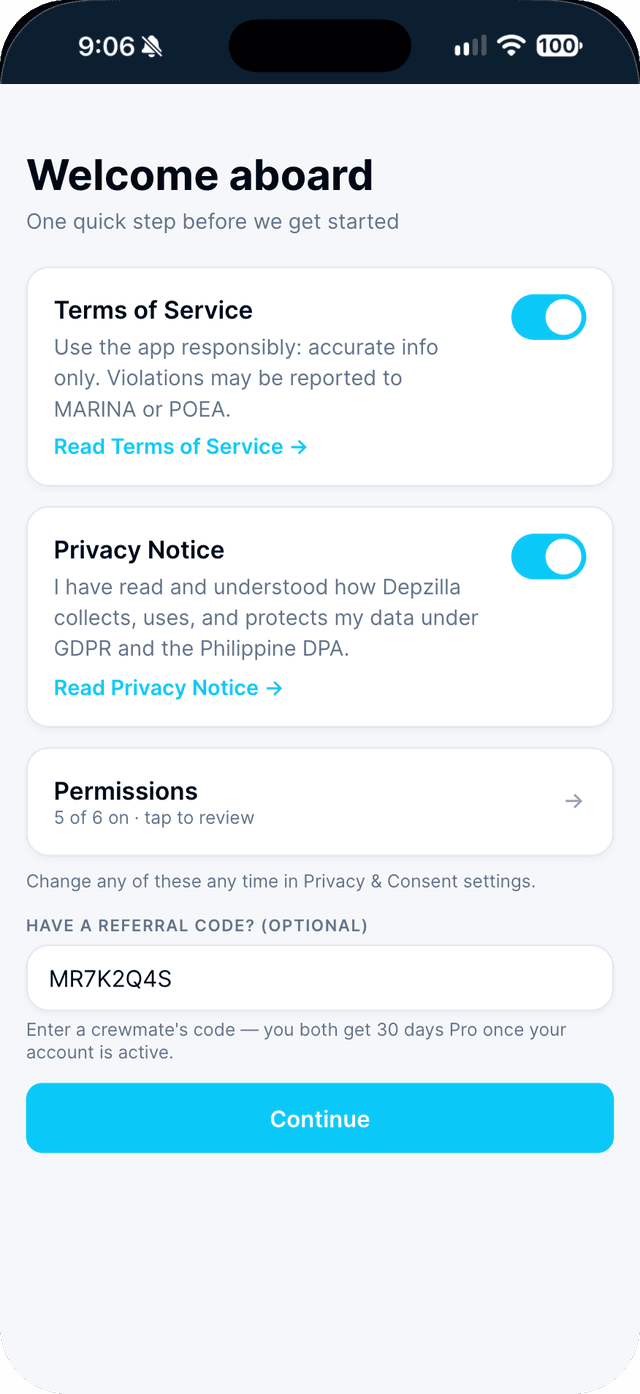
Accept the Terms of Service and the Privacy Notice.
Your other permissions are listed under Permissions — change any of them now or later in Privacy Setting. Got a code from a crewmate? Enter it here.
- 4
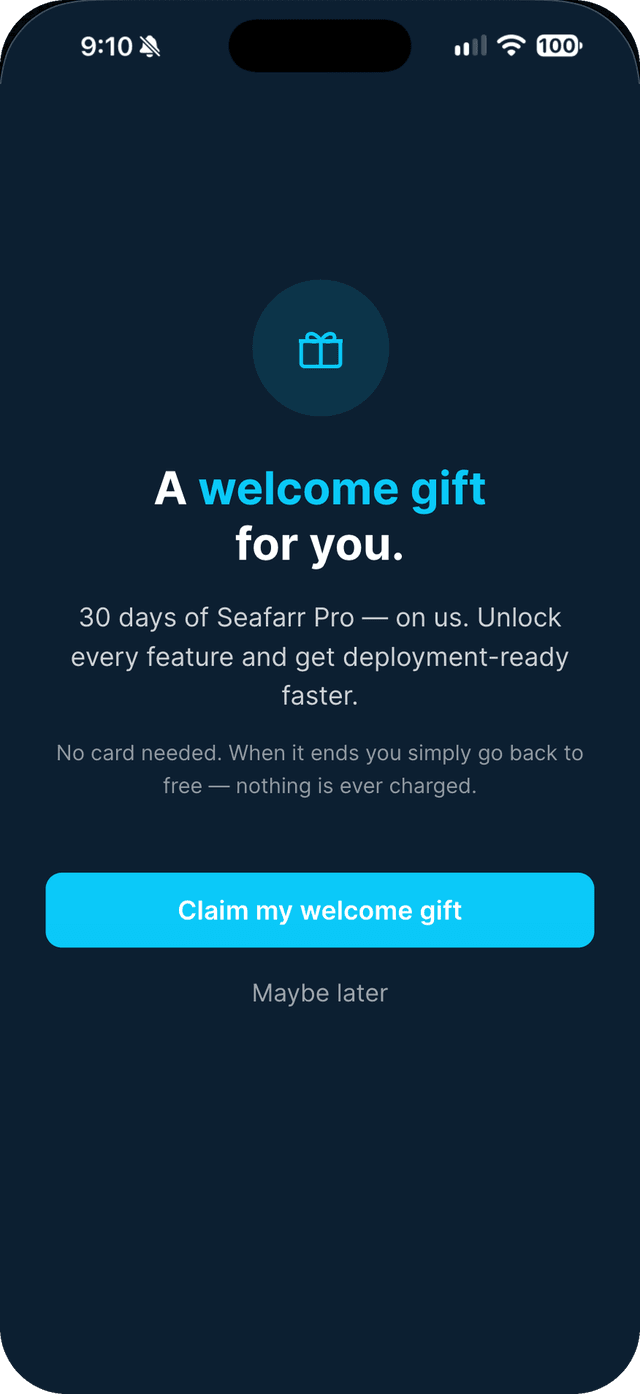
Tap Claim my welcome gift.
Pro unlocks immediately for 30 days. When it ends you go back to Basic — nothing is ever charged.
Swipe to see every step →
Tip: Missed the gift screen? The welcome gift card stays at the top of Home until you claim it.