ProGet hired· 1 min
See your profile the way agencies see it
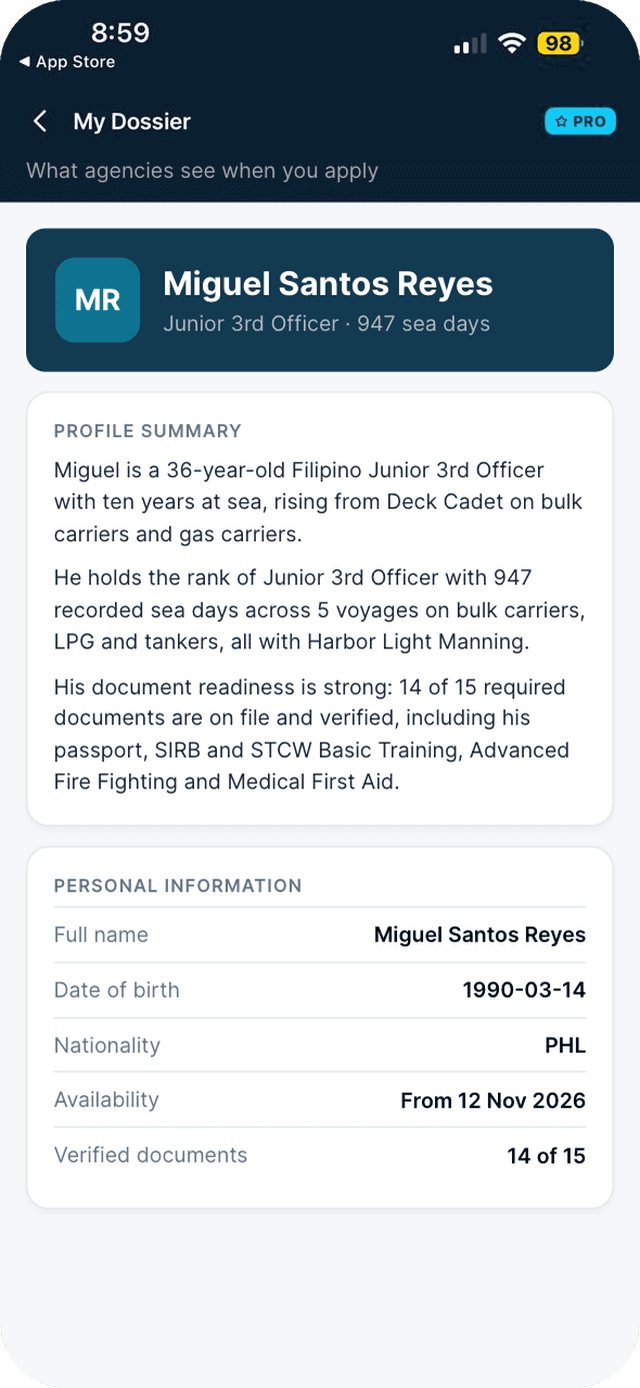
My Dossier shows the exact page agencies receive with your applications.
- 1
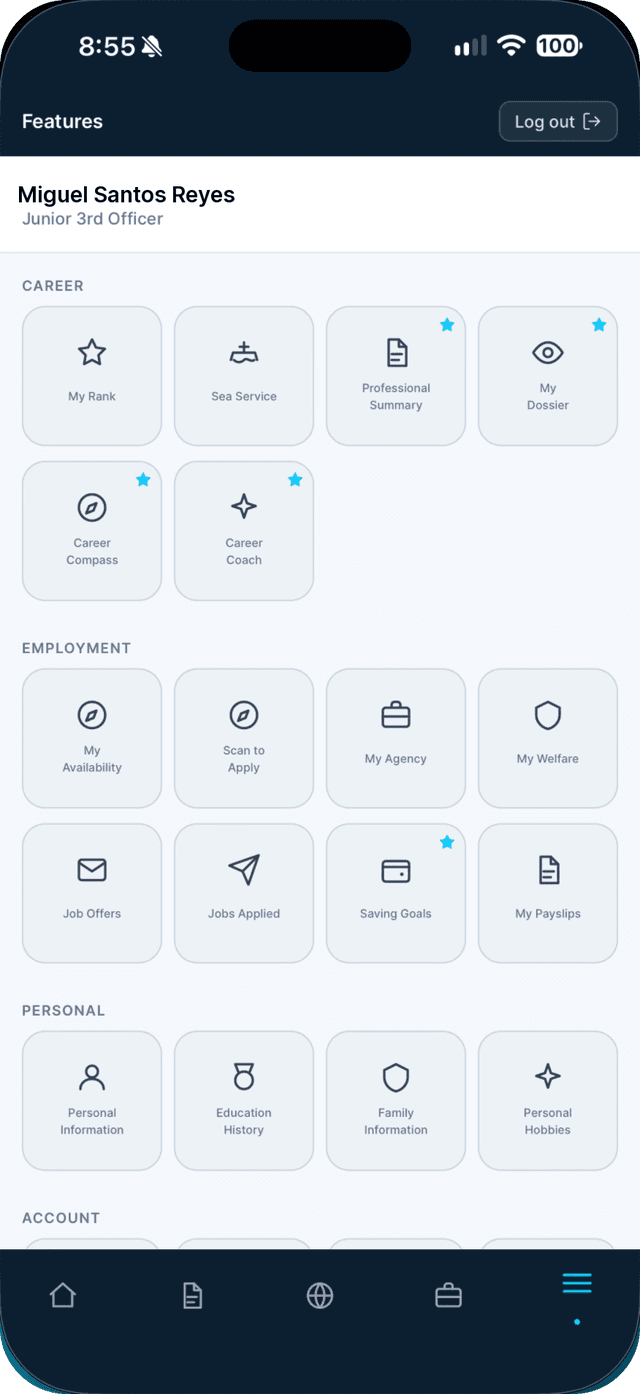
Open the Profile tab and tap My Dossier.
- 2
Scroll through the page.
It always shows your current records, so fix anything missing in Documents or Sea Service.
Swipe to see every step →
This is a Seafarr Pro feature.
New to Seafarr? Your first 30 days of Pro are free, with no card needed.
Unlock Pro