FreeGet hired· 1 min
Apply at a walk-in desk with Scan to Apply
At an agency's recruitment desk, scan their QR code and join the walk-in queue with your Seafarr profile.
- 1
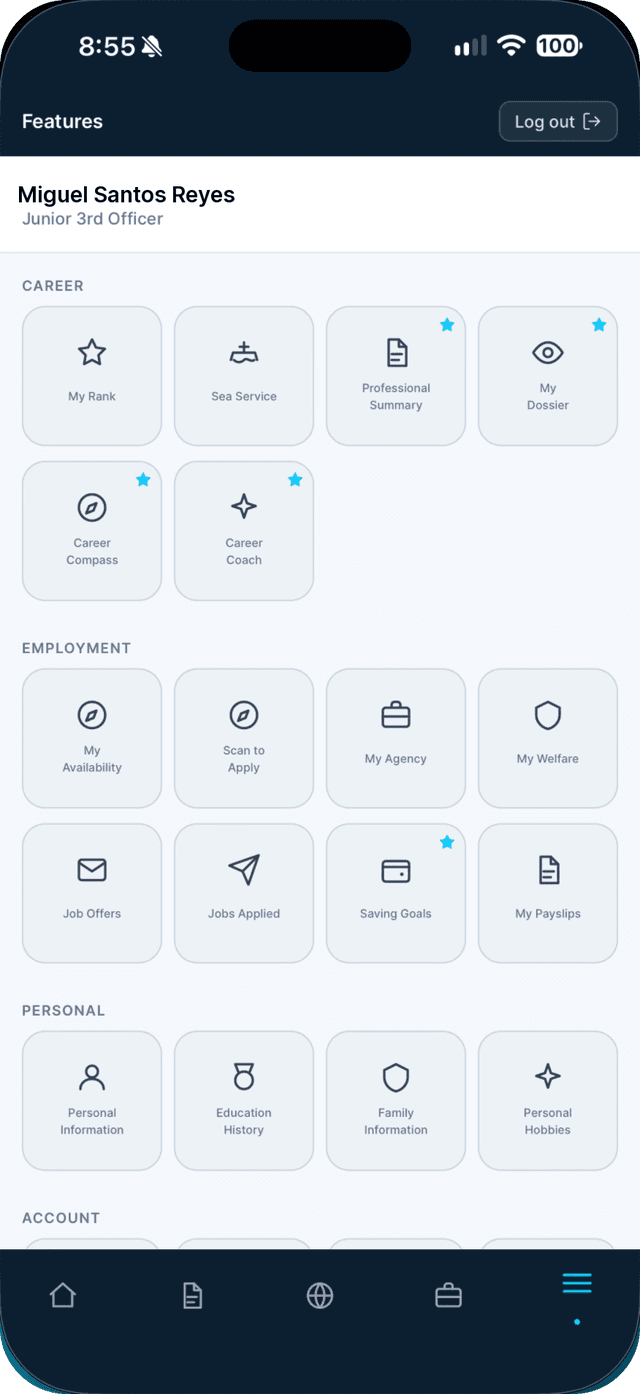
Open the Profile tab and tap Scan to Apply.
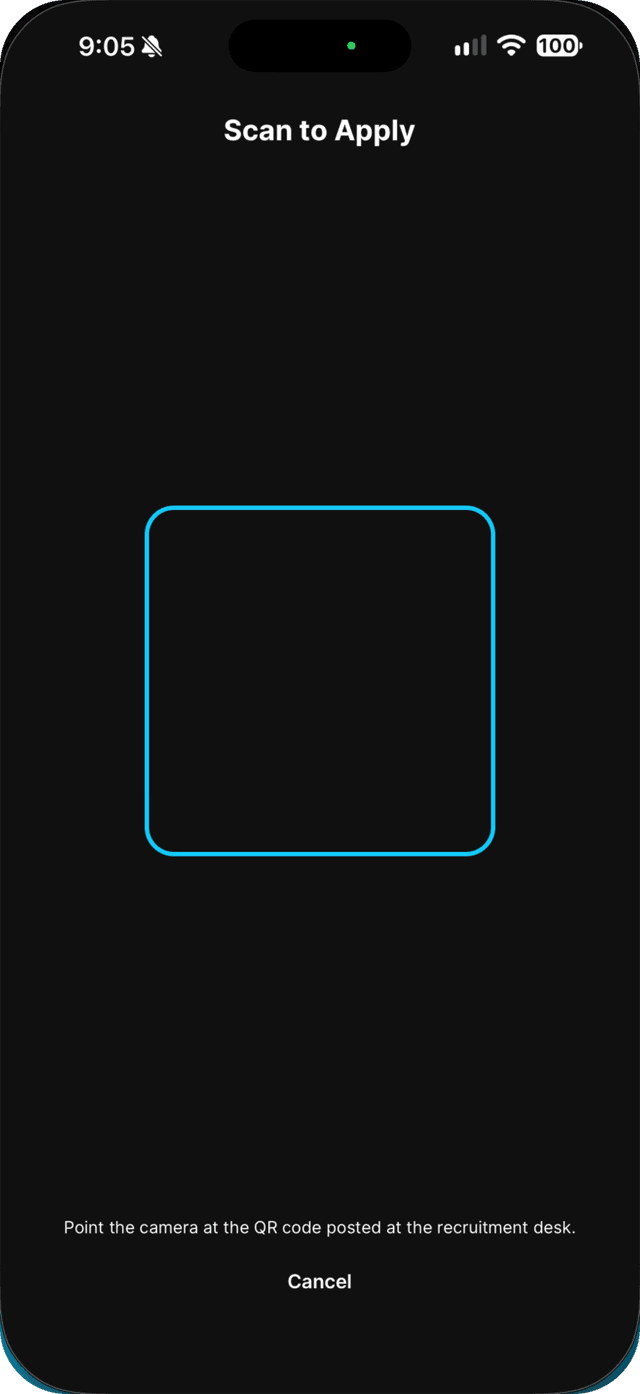
Allow the camera the first time. It is used only to read the desk's QR code.
- 2
Point your camera at the QR code at the desk.
- 3
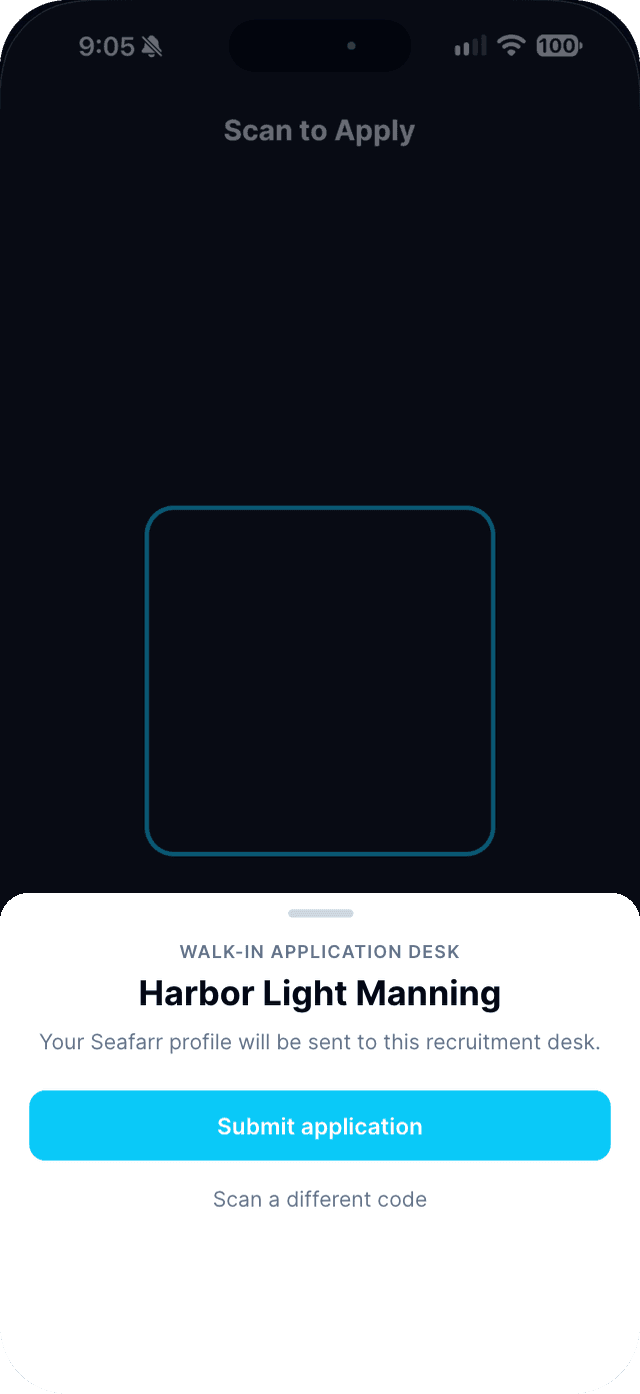
Check the agency name and tap Submit application.
- 4
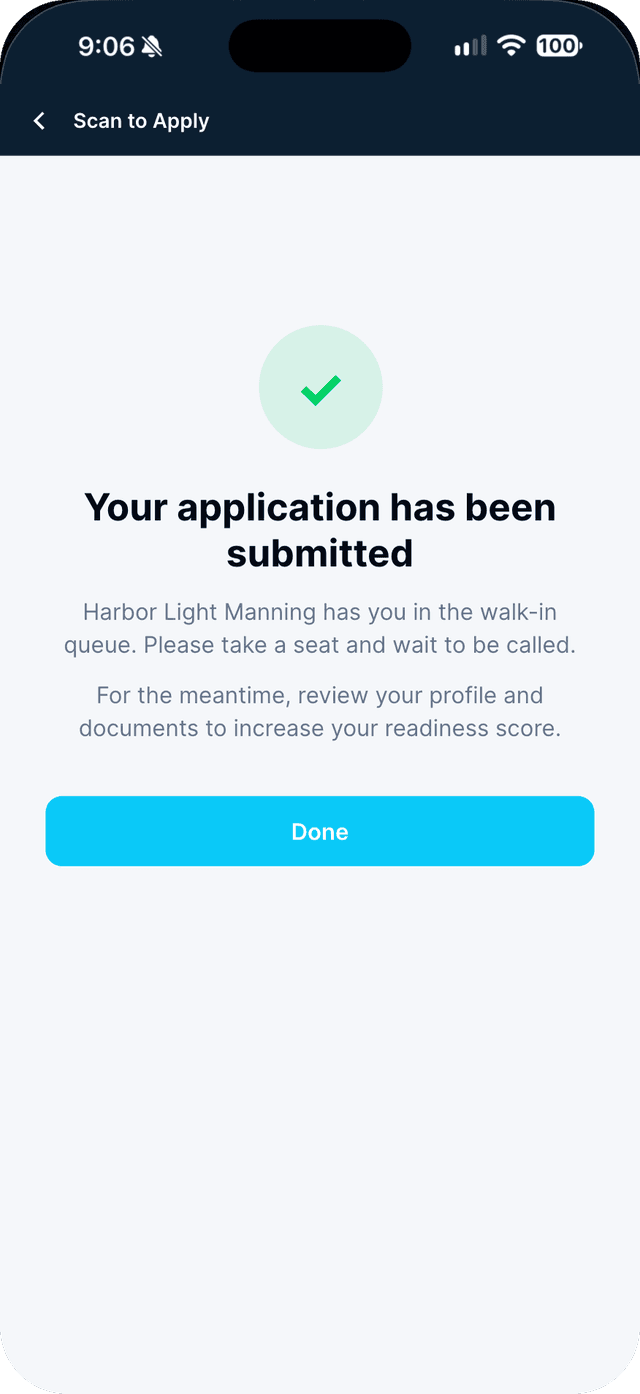
Take a seat.
You are in the agency's walk-in queue. While you wait, review your documents to raise your readiness score.
Swipe to see every step →