ProGet hired· 2 min
Generate your Professional Summary
An AI-written summary of your rank, sea service and documents. Agencies read it first.
- 1
Open the Profile tab and tap Professional Summary.
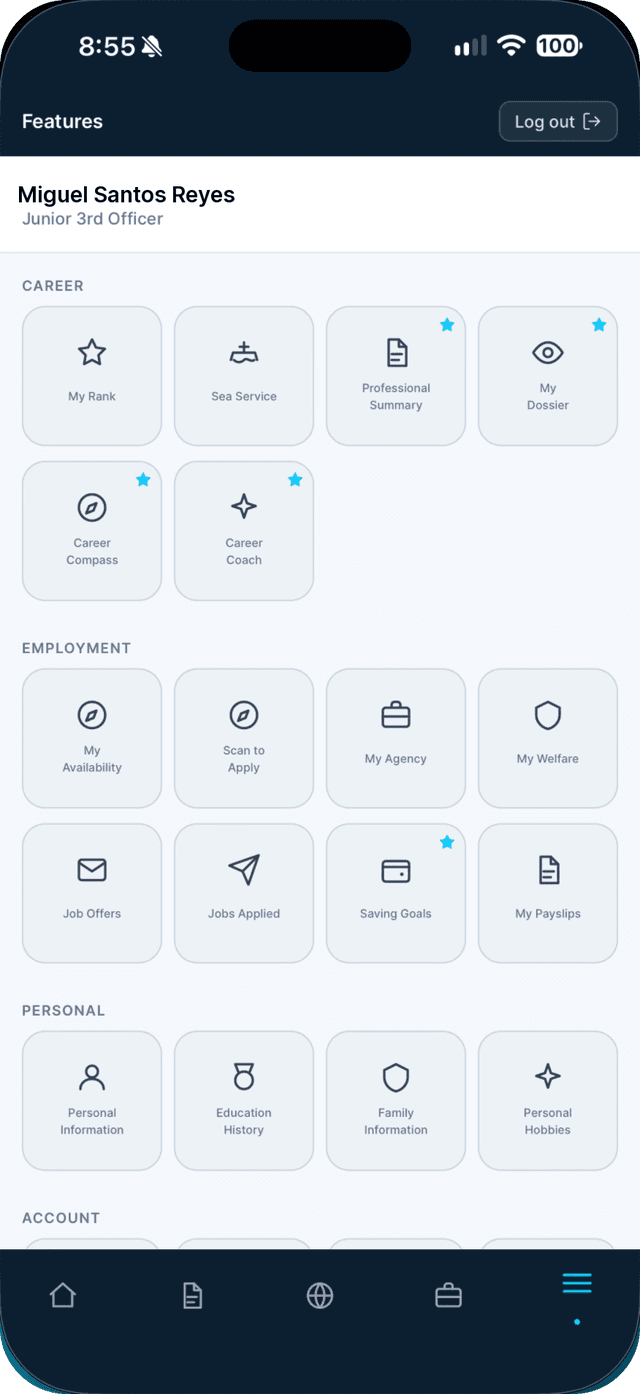
- 2
Tap Generate my summary.
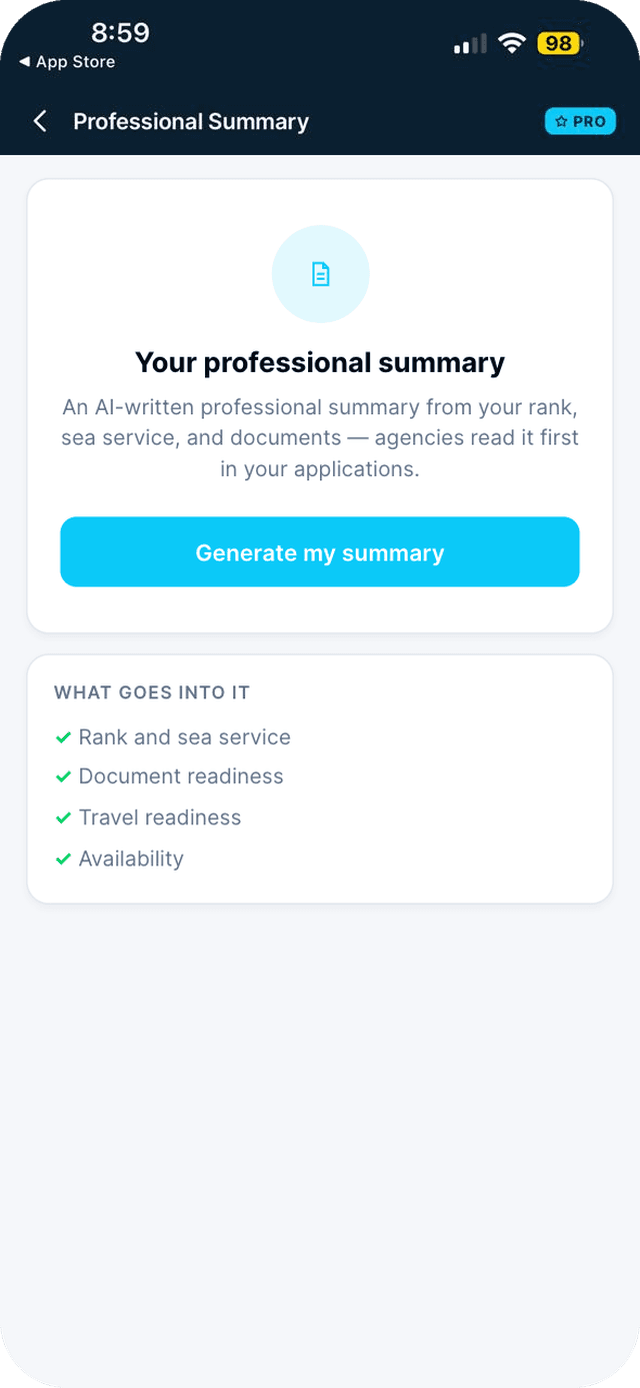
- 3
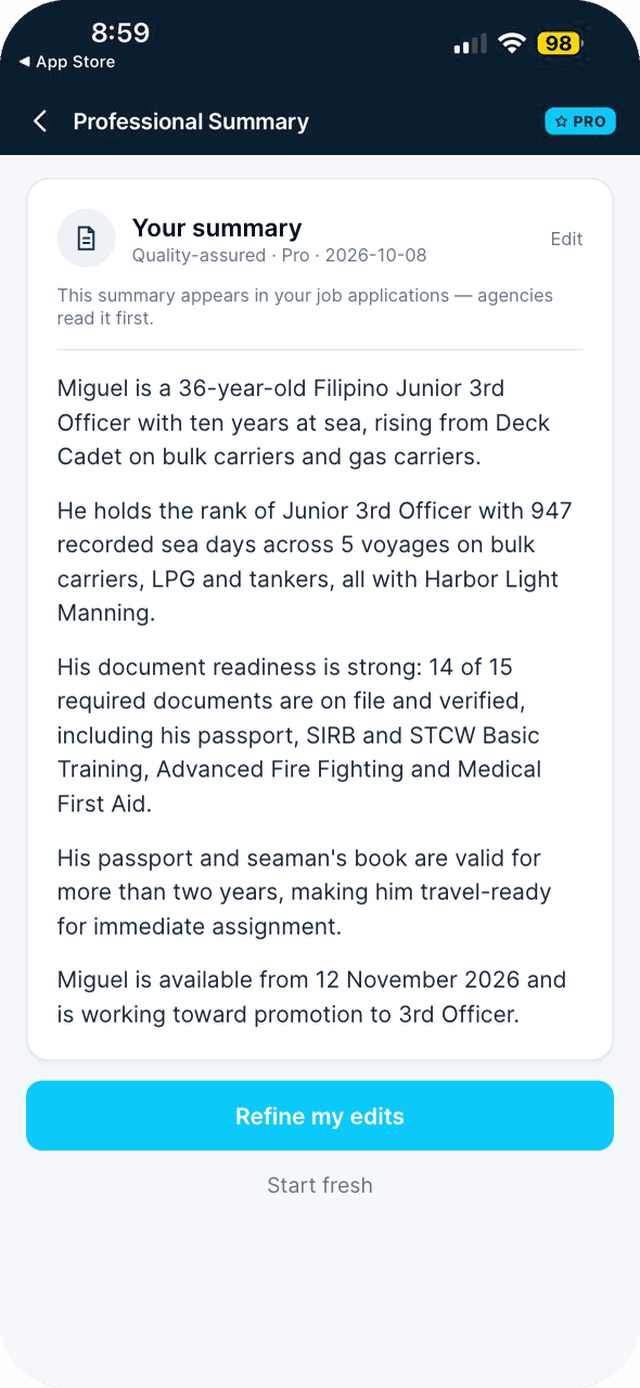
Edit it, refine it, or regenerate it any time.
Edit with the pencil — changes save when you leave. Use Refine my edits or Regenerate to improve it.
Swipe to see every step →
This is a Seafarr Pro feature.
New to Seafarr? Your first 30 days of Pro are free, with no card needed.
Unlock ProTip: Your summary is attached to every application you send.
More guides
- Apply to a job in one tap →
- Apply at a walk-in desk with Scan to Apply →
- Mark yourself available as a free agent →
Part of Get hired