ProBe ready to sail· 2 min
Fill in your government IDs from a photo
With Pro, Seafarr reads your SSS, PhilHealth, Pag-IBIG and TIN numbers from an uploaded ID.
- 1
Upload a passport, seaman's book or ID in Documents with AI autofill.
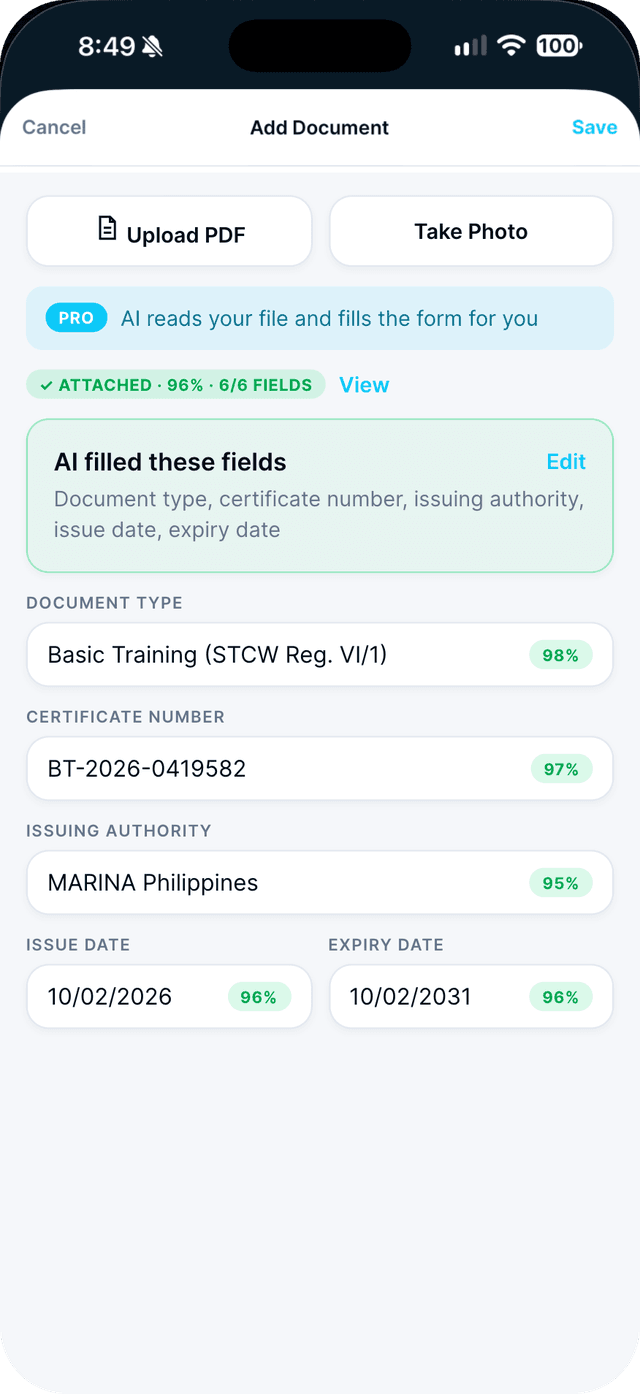
- 2
Open Profile, then Personal Information, and tap Edit.
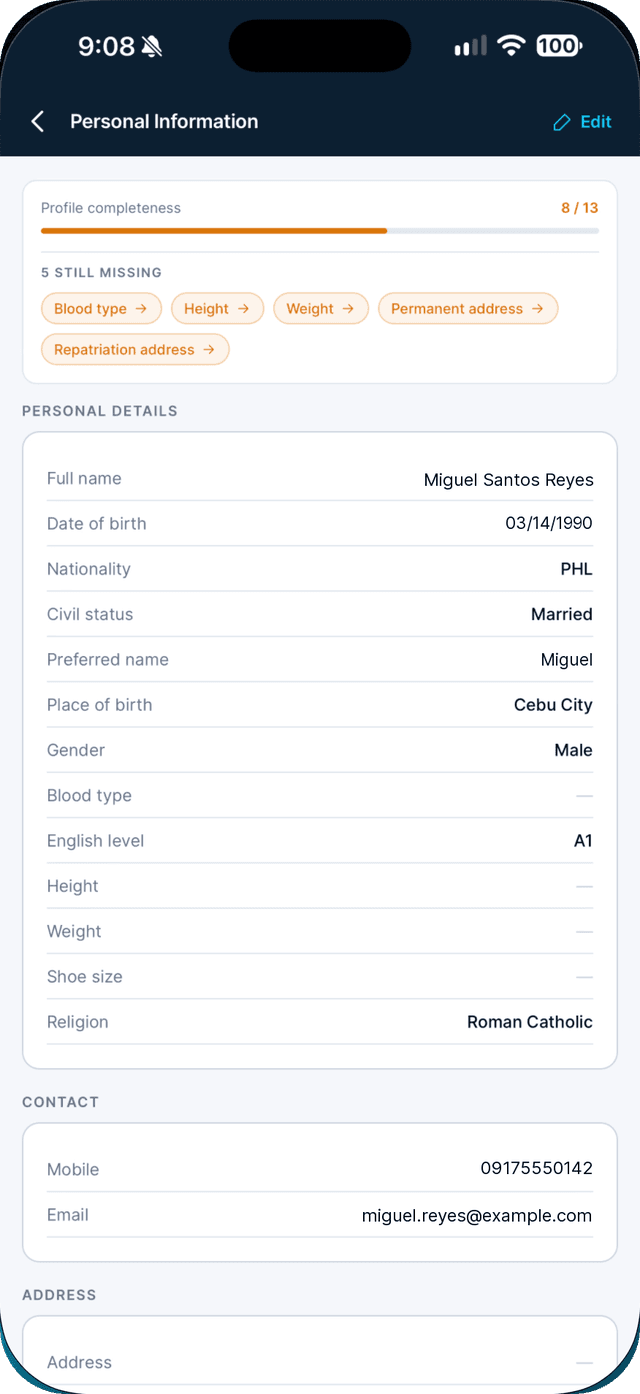
- 3
Tap AI Autofill, review the changes, then tap Apply and Save.
Seafarr shows only the fields it would change.
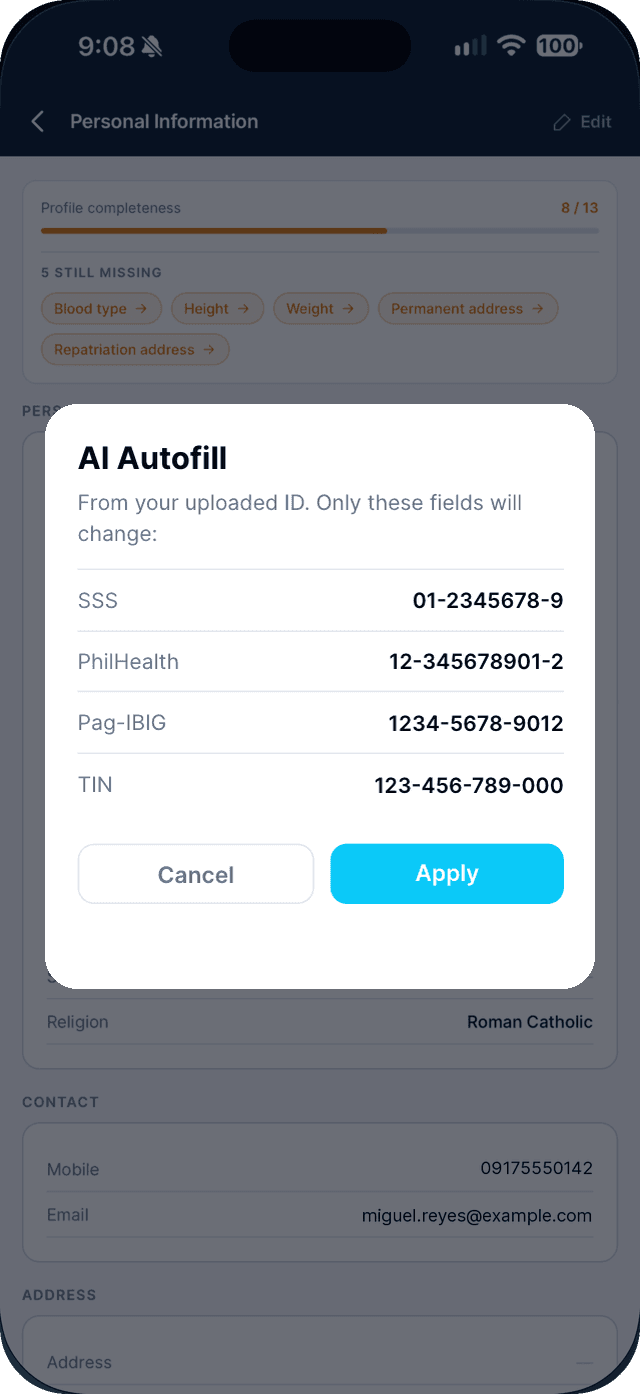
Swipe to see every step →
This is a Seafarr Pro feature.
New to Seafarr? Your first 30 days of Pro are free, with no card needed.
Unlock Pro